
What our AI website auditor found across 10 UK business websites
A close look at real-world findings from ten UK small business websites. The most common gaps in SEO, accessibility and conversion, and what to do about them.
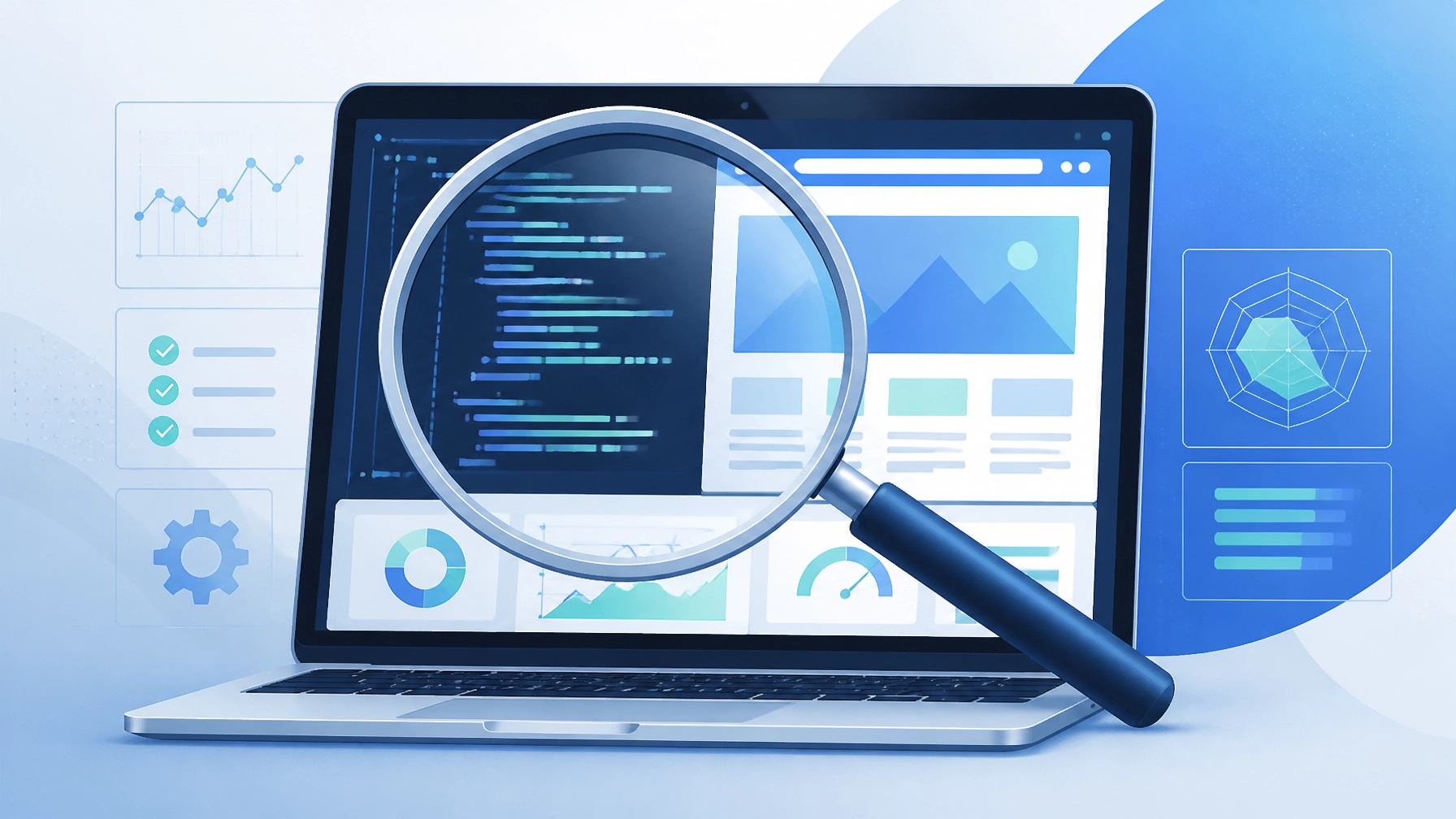
Most websites do not fail because they look bad. They fail because they quietly lose opportunities every day. Weak structure, tired calls to action, missing trust signals and small technical issues can all reduce enquiries without the owner ever realising.
We recently built something at Uptop Digital that has been keeping us busy. An AI website audit. It is designed to look under the bonnet of a business website and work out why it is not delivering. Not vague feedback like “the design feels a bit old”, but a clear picture of why enquiries are not coming through.
I decided to run a batch of ten UK business websites through it. The sample ranged from therapists and recruitment agencies to charities and schools.
A quick note on the sample. Findings are based on publicly available website data captured at the time of review. Websites change often, so the picture would look different if we reviewed them again later.
Across the ten websites we reviewed:
- 7 had missing accessibility elements.
- 6 had weak local SEO signals.
- 5 had conversion issues.
- 4 had metadata problems.
- 3 had performance concerns.
The most common issue was not SEO. It was conversion friction. Websites making it harder than necessary for a potential customer to take the next step.
The results were eye-opening.
Most of these business owners are working hard. They are paying for hosting and often running ads. But their websites are essentially leaky buckets. They might look fine to a human eye, yet the AI kept finding structural issues that make them invisible to Google and frustrating for potential customers.
How the review was carried out
We analysed ten UK business websites using our AI website auditor. The tool reviews SEO fundamentals, accessibility, user experience, local search signals, technical structure and enquiry pathways. The goal was not to criticise individual businesses. It was to identify recurring patterns that hurt visibility and conversions.
Here are the five most common (and most expensive) mistakes the auditor found, along with what you can do to fix them.
“A website can score highly and still lose enquiries every day.” Joshua Akiboye, Director
1. The invisible entry point. Missing metadata and headers.
The first site we looked at was a UK therapy practice. On the surface, the site looked clean and professional. The AI even gave it a strong technical score.
When we looked at the enquiry journey metrics, the AI flagged several critical structural gaps:
- No meta title.
- No meta description.
- No H1 tag, which is the main heading that tells Google what the page is about.
- Missing doctype.
This is a business trying to sell therapy services, but it is not telling search engines what it does or who it is for. Without an H1 or meta description, Google has less to work with, which makes it harder to rank for relevant searches.
What your site should do instead
Every page needs a clear hierarchy. Your H1 tag should contain the primary service and location, for example “Private therapy in London”. Your meta description is your sales pitch in the search results. If it is missing, Google will pull random text from your page, which often looks messy and unprofessional.
2. The trust gap. High scores next to poor accessibility.
Next we audited a recruitment agency. This site scored one of the highest results in the sample on the initial SEO check. To the owner, that looks like a green light.
The AI then found a serious accessibility problem. Twenty-two images with zero alt text.
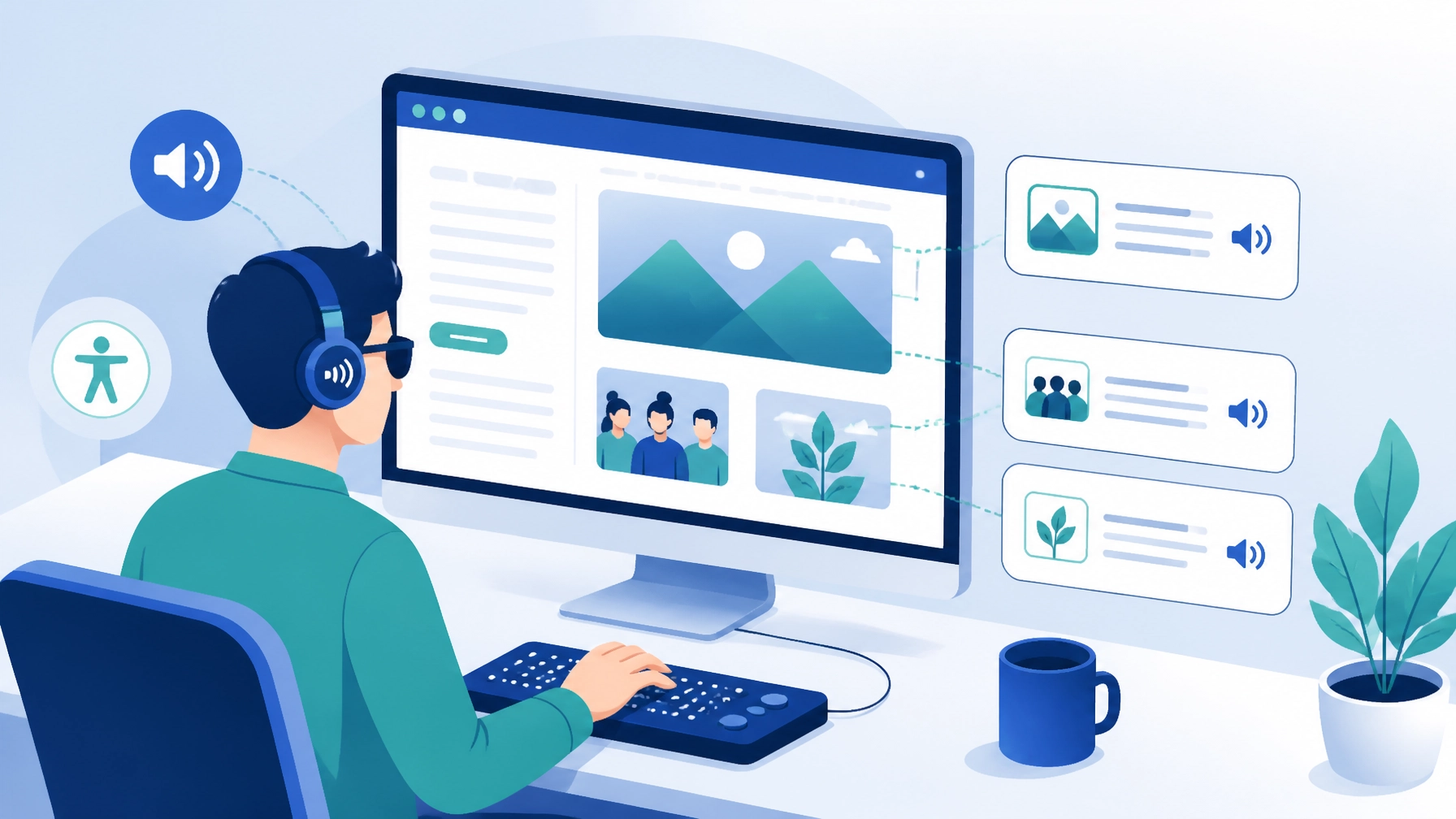
Alt text is the hidden description behind an image. Screen readers use it for visually impaired visitors, and it is also how Google understands what your photos show. Twenty-two images without alt text is not just a technical oversight. It is an accessibility barrier.
The AI also flagged render-blocking resources. In plain English, this is code that stops the page from showing anything to the visitor until it finishes loading. If a candidate is looking for a job on their phone and the site takes four seconds to show the first line of text, they are gone.
“Twenty-two images. Zero alt text. That is not just an accessibility issue. It is a trust issue.”
What your site should do instead
Do not be fooled by a high SEO score if the user experience is lagging behind. Give every image a descriptive alt tag. It helps with an AI website audit, and it also helps your images show up in Google Image search, which is a big untapped source of traffic for recruitment and professional services.
3. The “where are you?” problem. Weak local SEO signals.
Across almost all ten sites, one issue kept coming up. Missing local signals.
For a UK small business, local SEO is your bread and butter. If you are a therapist in Manchester or a recruiter in Birmingham, you need to tell Google exactly where you are.
Many sites were missing consistent name, address and phone details in the markup. We saw phone numbers in the footer of one page but not on the contact page. We saw addresses that were text-only, not marked up in structured data, which is the code that tells search engines they are looking at a real business location.
“Inconsistent contact information can make it harder for both search engines and potential customers to find you.”
What your site should do instead
Your contact information should be consistent across your website, your Google Business Profile and your social media accounts. Running a free website growth audit will show whether your location data is actually being read by search engines, or whether it is sitting on the page as dead text.
4. The hidden exit. Weak calls to action and technical basics.
We ran an audit for a charity website. It is an organisation doing great work with schools. The AI found some easy wins that were likely hurting their visibility:
- No canonical URL set. This is the tag that tells Google which version of a page is the master copy. Without it, Google can get confused by different versions of the same link and rankings suffer.
- Missing favicon. The little icon in the browser tab was missing. It sounds small, but it is a real trust signal for anyone with twenty tabs open, which is most of us.
Most importantly, the placement of the primary call to action was weak. If a school wants to get in touch, they should not have to hunt for a button.
What your site should do instead
Keep your primary action visible on every page. Donate. Book a call. Enquire. Usually in the top right corner. Make sure the technical basics, like favicons and canonical tags, are handled properly by your CMS. These are the foundations of any site built to support lead generation websites.
5. The heavy website. Bloated code and slow conversions.
Finally, we looked at a therapy practice using a website builder. This site had great copy. Human, empathetic and professional. But the AI flagged a technical problem. A 526KB DOM size.
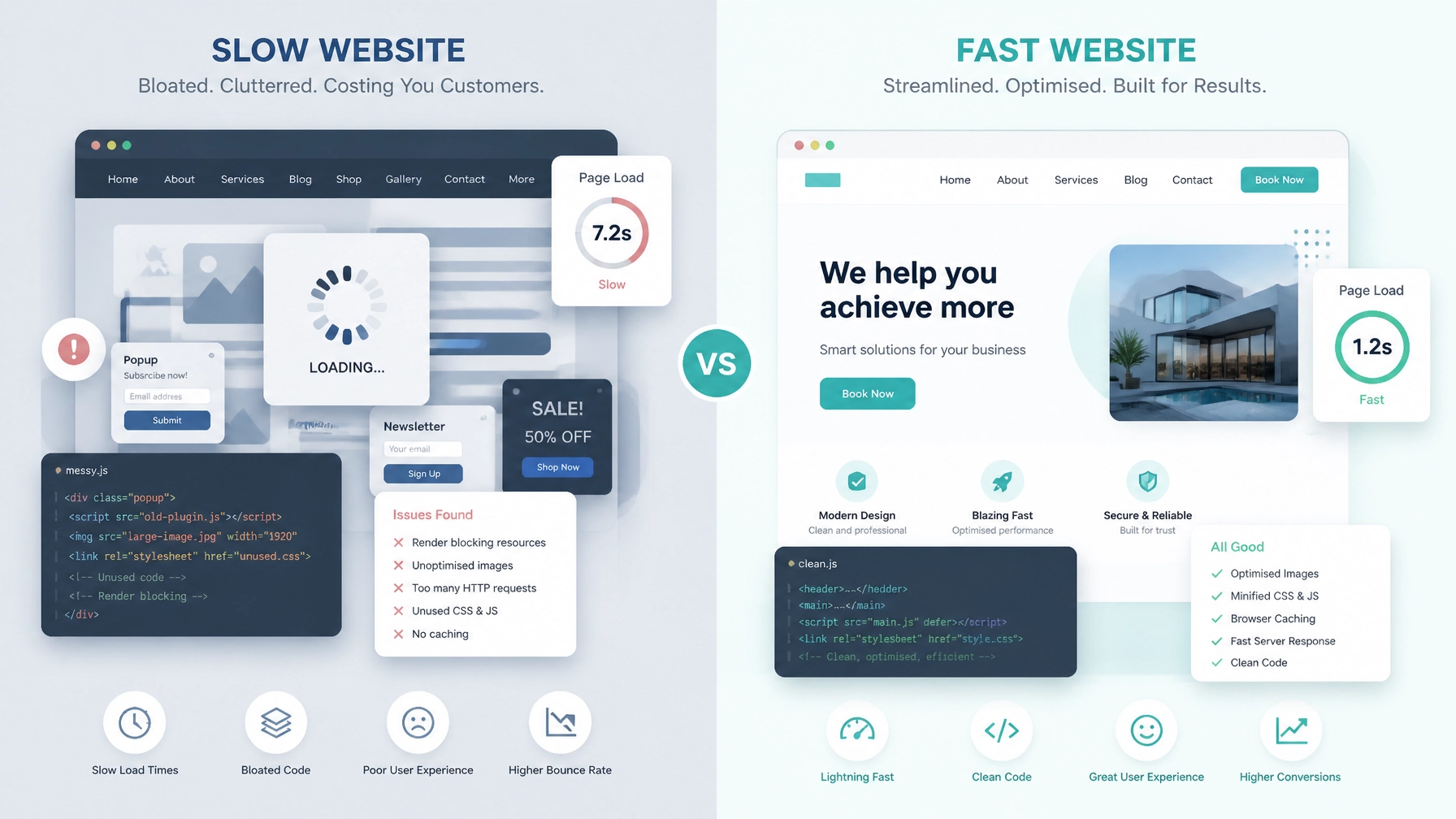
In plain English, the website code was very heavy and bloated. Most likely because a complex Squarespace template was doing a lot of unused work. Even though the content was strong, the ratio of useful content to code was low.
When a site is bloated, it feels sluggish. It takes longer to scroll, longer to click and longer to load. For a therapy website, where the visitor might already be feeling anxious or overwhelmed, a slow, buggy experience is the last thing they need.
What your site should do instead
If you use a website builder like Squarespace or Wix, keep it simple. Avoid parallax scrolling effects, heavy video backgrounds, and dozens of third-party plugins you do not actually need. A fast, simple site will almost always out-convert a slow, fancy one.
Why your site is not generating leads
After auditing these ten sites, the pattern was clear. A lot of business owners think their website is done once it goes live. The digital landscape moves faster than that.
A site that was fine two years ago might now be falling short on Google’s newer mobile standards, or missing the AI-driven search signals that are starting to matter in 2026.
If you are wondering why your site is not generating leads, it is rarely one single thing. It is usually a combination of:
- Search engines being unable to read your structure, because of missing H1s and metadata.
- Visitors being unable to move through the site quickly, because of bloated code and slow load times.
- A lack of trust, caused by missing accessibility features or broken calls to action.
What surprised us most
The biggest lesson from these audits was not that websites were badly designed. Most looked professional. The real problems were hidden beneath the surface.
- Missing SEO foundations.
- Weak enquiry journeys.
- Accessibility gaps.
- Slow-loading pages.
- Missing trust signals. Small issues on their own, but significant lost opportunities when they add up.
Get your own real audit
We did not write this to point fingers. We wrote it because we know how frustrating it is to invest in a website that does not deliver.
Our AI website auditor does not just give you a score. It gives you a roadmap. It looks at your SEO, your speed, your accessibility and, most importantly, your conversion paths. It also shows where better systems or AI business automation could reduce friction after someone lands on your site.
If you want to see what is actually going on under the bonnet of your site, you can run a scan in around sixty seconds. No jargon, just the facts.
Run a free AI website audit in under sixty seconds and see the biggest opportunities to improve visibility, bring in more enquiries and save time. Run your AI website audit.
About Uptop Digital UK
We help UK businesses grow without the headache. Whether that is designing high-converting websites or building AI business automation, our goal is to save you time and bring in more enquiries. We are not here to sell shiny objects. We are here to make your digital systems work as hard as you do.
Related articles

Save time and scale smarter with AI and business automation
Growth should not mean more hours at the desk. Here is how UK organisations are using AI and automation to handle the manual grind, so they can free up capacity to scale.

Website design Birmingham businesses can rely on
Your website should be your most productive team member, not a digital brochure. Here is how Birmingham businesses use WordPress, automation and local SEO to bring in more enquiries without working longer hours.

Website design in Walsall: how local businesses win more enquiries online
Your website has about five seconds to answer three questions. Here is how Walsall and West Midlands businesses use good user experience, accessibility and WordPress to turn that first impression into qualified enquiries.